10 Essential Social Media Safety Tips for 2026
Protect yourself online with these crucial safety tips for social platforms. Learn about privacy settings, scams, and digital wellness.
These social media safety tips matter more in 2026 than ever before. Scams are written by AI, fake profiles borrow real photos, and cloned voices imitate a friend convincingly enough to empty a bank account. A single careless tap can expose your contacts, your money and your reputation.
The good news is that the defences are simple. Whether you spend your evenings on a live streaming app, in a group chat or on a 1v1 video platform, the same handful of habits keeps you safe: control what you share, lock down your accounts, and know how to react when something feels wrong.
This guide covers ten practical social media safety tips, from privacy settings and two-factor authentication to phishing, impersonation and digital wellbeing. Each one takes minutes to apply and protects you for years. The same advice applies in voice chat rooms and anonymous chat apps, where the risks are simply less visible.
Key Takeaways
- Review your privacy settings every time a platform pushes a major update.
- Use an authenticator app for two-factor authentication instead of SMS codes.
- Share less: birthdays, addresses and ID photos are raw material for scammers.
- Verify unexpected requests through a second channel before you click or pay.
- Report and block early; it protects you and the next person they target.
Common Threats and Warning Signs
Most account takeovers and scams follow a few familiar patterns. Learn the four below and you will recognise them within seconds, before any damage is done.
| Risk | Warning sign | What to do |
|---|---|---|
| Phishing | An urgent message asks you to confirm a password, a payment or a login code | Do not use the link. Open the app or type the address yourself |
| Impersonation | A friend or brand account with a slightly changed name, a new photo and an urgent favour | Call the person on a channel you already trust before you respond |
| Oversharing | Posts reveal your address, workplace, school, plate number or live location | Delete the post, tighten your audience and review tagged photos |
| Malware links | Short links, free followers, cracked apps, game cheats and prize claims | Install nothing. Report the message and scan your device |
1. Review Your Privacy Settings
Privacy settings are not a one-time task. Platforms quietly change defaults, add new sharing features and reset audiences after major updates, so what was visible only to friends last year may be public today.
Set aside ten minutes each quarter to check who can see your posts, your profile photo, your contact details and your location. On a photo-first network such as Instagram, also review story audiences, tagged photos and the activity status that reveals when you are online. The same review is worth repeating on Facebook, where old posts and tagged photos often stay visible longer than people expect, and it is safest to make the changes inside the official Instagram and Facebook apps.
- Switch your account to private if strangers do not need to see your posts.
- Turn on tag review so nothing appears on your profile without approval.
- Hide your phone number, email address and birthday from public view.
2. Turn On Two-Factor Authentication
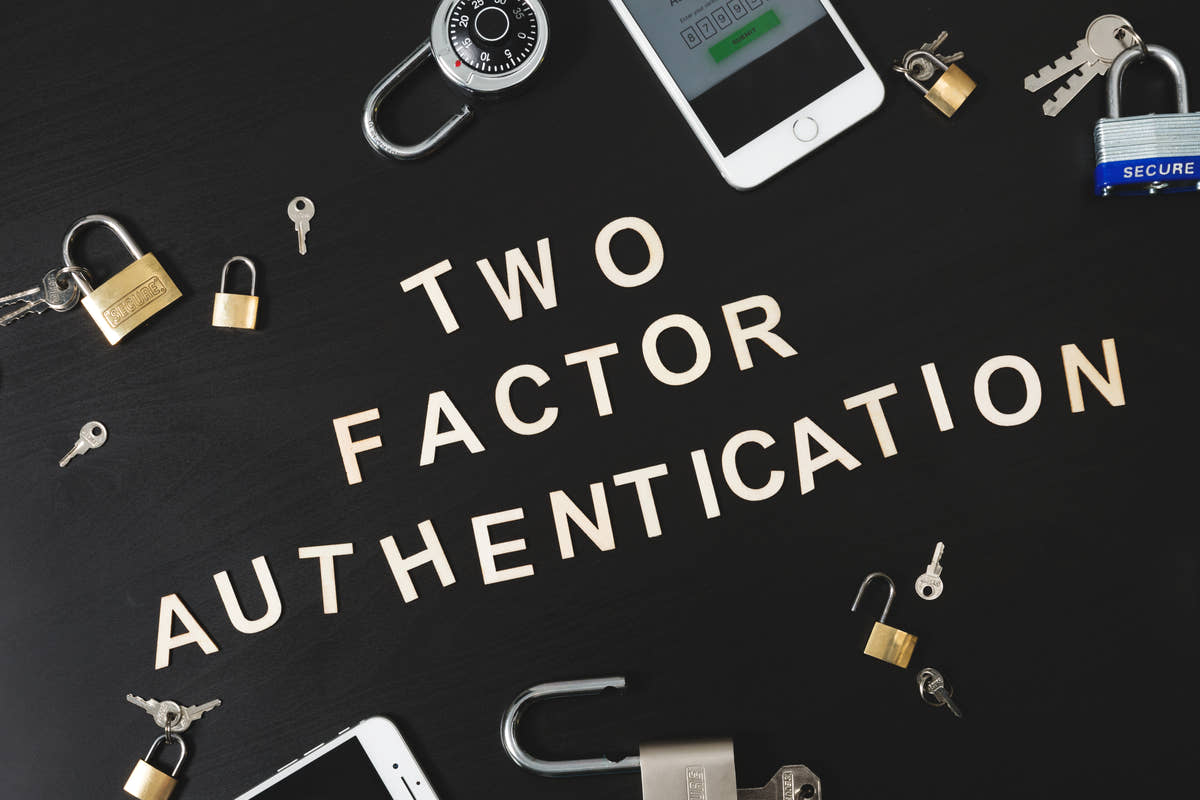
Two-factor authentication is the single most effective change you can make today. Even if a scammer steals your password, they cannot sign in without the second factor.
Prefer an authenticator app or a hardware security key over SMS codes. Phone numbers can be hijacked through SIM swapping, where a criminal convinces a carrier to move your number onto their SIM card. If SMS is your only option, add a PIN with your carrier.
Store your backup codes somewhere offline and register more than one device so you are not locked out if your phone is lost. Secure messengers such as Signal enable this in two taps, and the Secure Our World campaign from CISA explains the same steps in plain language. The Telegram and Signal apps also let you lock the whole app with a passcode, and our Telegram review covers the rest of its privacy settings.
3. Be Careful With Personal Information
Scammers rarely need a full identity. A birthday, a pet name and a school are often enough to answer your security questions or to impersonate you to your bank.
Treat these details as private: your full date of birth, home address, workplace, school, ID documents, boarding passes and financial information. Photographs leak more than people expect, because a uniform, a street sign or a view from a window can reveal where you live or work.
When a platform or a quiz asks for information it does not need, skip it. If a security question can be answered from your public profile, choose a different question or invent an answer that you store in your password manager. Disappearing posts are not a safeguard either: even on an app built around them, such as Snapchat, a recipient can screenshot or photograph the screen, and our Snapchat review explains the settings that limit the damage.
4. Verify Friend Requests and New Contacts
Fake profiles are cheap to create and often use photos stolen from real people. A request may appear to come from a colleague, a distant relative or an old classmate.
Before you accept, look for the warning signs: an account created recently, very few photos, mutual friends who do not actually know the person, and a name spelled slightly differently from the real account. A reverse image search on the profile photo settles most cases in seconds.
If a new contact quickly steers the conversation towards money, investments, gifts or intimate photos, stop. That pattern is the backbone of romance and investment fraud, and it is far easier to avoid than to undo. Our anonymous chat safety guide covers the same warning signs for random chat apps. Professional networks are not exempt: on LinkedIn, fake recruiters, cloned company pages and job offers that lead to investment scams are common. On Threads, a new follower is as unverified as anywhere else, so check the account history before you reply.
5. Think Before You Post
Anything you post can be copied, screenshotted or saved by someone else, including messages that are supposed to disappear. Once an image leaves your device, you no longer control it.
Check the background of photos and videos before you publish them, and remember that live streams reveal your location in real time. Holiday posts also announce to the world that your home is empty.
A simple habit helps: if you would not want a stranger, a future employer or your family to see it, do not post it. Wait until you are home before sharing holiday photos, and keep your live streams away from street signs, house numbers and school uniforms. On short-video apps such as TikTok, a clip can be downloaded and reposted within seconds, so treat every upload as public. Our TikTok review covers the privacy settings that limit who can reuse your clips.
6. Use Strong, Unique Passwords
Reusing one password across platforms turns a single breach into a disaster, because criminals test the same email and password combination everywhere in an attack known as credential stuffing.
Use a password manager to generate a long, unique password for every account, since length matters far more than symbols. The NIST password guidelines recommend long passphrases and dropping the forced complexity rules that push people towards predictable substitutions.
Start with your main email account, because it is the key to resetting everything else. Turn on alerts for new sign-ins and review the list of devices that are currently logged in. If you want a messenger that protects the conversations behind those passwords, compare the options in our guide to secure messaging apps.
7. Stay Alert to Phishing and AI Scams
Phishing no longer looks clumsy. AI writes fluent messages in any language, copies a brand's tone of voice and can even clone a voice from a few seconds of audio.
The rules stay the same: unexpected urgency is the biggest tell. A message that threatens to close your account, cancel a delivery or have you arrested within hours is designed to stop you thinking. Never share a login code, and never move money because of a message alone.
Verify through a second channel you already trust: call the person, open the app directly or type the website address yourself. The FTC explains how to recognise and avoid phishing scams, including the ones that arrive on WhatsApp and other messengers. Any chat that arrives on WhatsApp can be reported and blocked without leaving the conversation.
8. Report and Block Abusive Accounts
Reporting can feel like a small gesture, but it works: platforms use reports to train their detection systems and to remove entire networks of fake accounts. Blocking is instant protection for you.
Use mute or restrict when you want to keep a connection without seeing the content, and use block when you want no contact at all. Save screenshots of threats, hate speech or extortion attempts before you report, because some platforms delete the evidence along with the account.
If someone threatens to share your images, do not pay and do not negotiate. Report it to the platform and to your local police, and ask a specialist support service for help removing the material. Community platforms add their own tools: on Discord you can block someone across every server you share, while on Reddit a report to the moderators often acts faster than a report to the platform. Our Discord review walks through the reporting and moderation settings in more detail.
9. Limit Third-Party App Permissions
Every app you connect to your social account is another door into your data. Quizzes, photo editors, games and free follower tools are often built to harvest profile information and contact lists.
Review your connected apps every few months and revoke anything you no longer use or do not recognise. Pay attention to permissions such as access to messages, camera, microphone, location and contacts, and revoke them individually wherever the platform allows it.
The same discipline applies on your phone: delete apps you do not use and check which ones hold background location access. The Electronic Frontier Foundation's Surveillance Self-Defense guides walk through device and account hardening step by step.
10. Protect Your Digital Wellbeing
Safety is not only about criminals. Social comparison, endless scrolling and constant notifications affect sleep, mood and concentration, and they make you more likely to react to a scam without thinking.
Set daily time limits, turn off non-essential notifications and tidy your feed by muting accounts that leave you anxious. Follow people who inform or entertain you rather than people who make you feel behind. Taking one full day away from social apps each week is a realistic start.
If online harassment or a scam has affected your mental health, tell someone you trust and consider talking to a professional. The social platform trends we expect in 2026 point to even more AI features and immersive feeds, which makes deliberate habits more valuable, not less. Our guide to AI in social apps looks at how those systems decide what you see, and how to keep control of them.
Conclusion
Social media safety is a process, not a one-time setup. Review your privacy settings, turn on two-factor authentication, share less, verify anything unexpected and report abuse early. None of these steps costs money, and together they remove most of the risk you face online.
Start with the two changes that protect the most: two-factor authentication on your main email account, and a privacy check on the platform you use most. Do those today, add one more habit each week, and you will be safer than the overwhelming majority of users.
Frequently asked questions
How often should I review my privacy settings?
Every few months, and immediately after a major platform update, because defaults and audience controls often change without a clear notification.
Is two-factor authentication really necessary?
Yes. It blocks most automated account takeovers, and an authenticator app or a hardware key is far safer than codes sent by text message.
Are disappearing messages really private?
No. A recipient can screenshot, photograph or record them before they vanish, so treat every message as permanent and never send anything you would regret.
What should I do if my account is hacked?
Change the password from a trusted device, sign out all sessions, enable two-factor authentication, check your recovery contacts and warn the people in your contact list.
How do I spot an AI-generated scam message?
Look for urgency, small spelling slips, an unusual sender address and a request for money or codes. Verify through a second channel before you act on it.